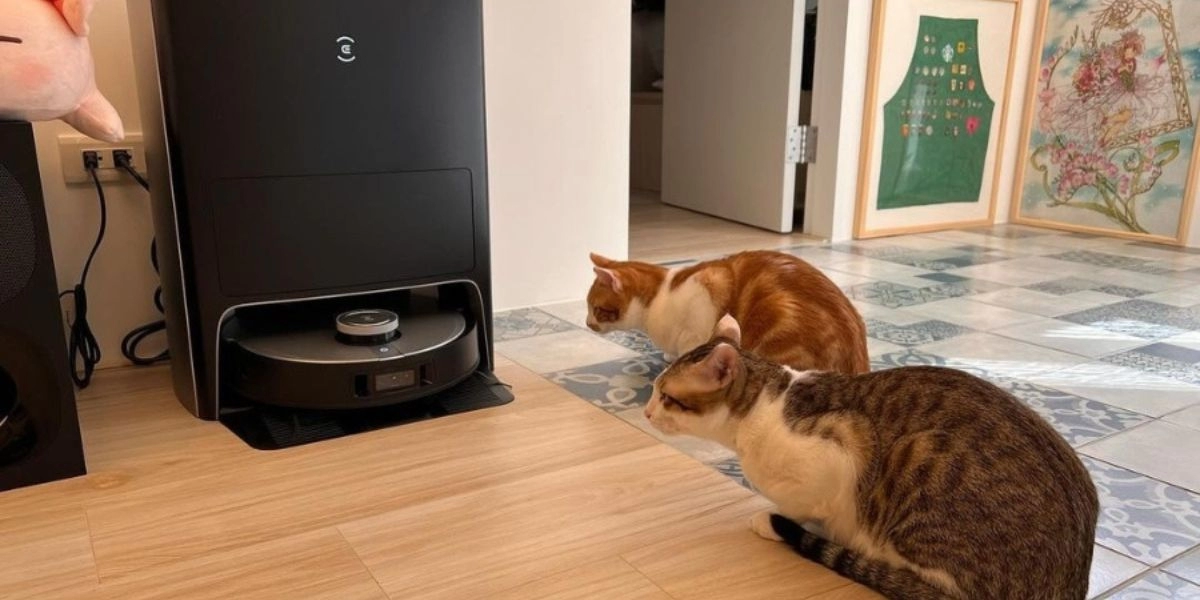
If your vacuum cleaner shuts off after 5 minutes, you’re not alone—and it’s usually not a sign of a broken machine. Most often, this frustrating shutdown is your vacuum’s thermal overload protection kicking in to prevent motor damage caused by overheating. Whether it’s clogged filters, blocked hoses, or poor airflow choking your vacuum, these common issues can cause that annoying automatic shut-off. In this post, you’ll discover why this happens and how to quickly troubleshoot and fix it yourself—getting your vacuum back to work without a costly repair. Let’s get to the bottom of this!
Why Does My Vacuum Cleaner Shut Off After 5 Minutes?
Understanding Why Vacuums Shut Off Automatically
Vacuum cleaners have motors that generate a lot of heat while running. To prevent damage, proper airflow is essential because it cools the motor as the vacuum operates. When airflow is blocked—due to clogs or dirty filters—the motor can quickly overheat.
Most modern vacuums include a thermal cut-off switch, a safety feature designed to shut the vacuum off automatically if the motor gets too hot. This protects the motor from burning out and avoids potential fire hazards.
Here’s a simple breakdown of how this works:
| Component | Role |
|---|---|
| Vacuum Motor | Creates suction and needs cooling |
| Airflow | Cools the motor during operation |
| Thermal Cut-Off Switch | Shuts down vacuum if overheating occurs |
There are some differences between corded and cordless vacuums:
- Corded vacuums rely on continuous electricity and usually have stronger motors with built-in cooling systems.
- Cordless vacuums run on batteries and may have shorter run times. Battery issues can also cause shutdowns alongside overheating protection.
Understanding these basics helps explain why your vacuum cleaner might shut off after about 5 minutes—it is usually a built-in safety response to overheating.
Top Reasons Your Vacuum Shuts Off After a Few Minutes
If your vacuum cleaner shuts off after just five minutes, several common issues might be the cause. One of the biggest culprits is a clogged or blocked hose, wand, or brush roll. When airflow is restricted, the vacuum motor can overheat, triggering the automatic shut off to protect itself. Similarly, dirty or clogged filters reduce airflow and cause the vacuum to overheat, leading to the thermal cutoff switch activating.
A full dust bin, bag, or canister also restricts airflow and puts extra strain on the motor, making it shut down prematurely. Overheating due to prolonged use or poor ventilation is another frequent reason. Vacuum motors need steady airflow to stay cool, so blocked motor intake or exhaust vents can cause the vacuum to turn off suddenly.
In upright models, a worn brush roll or drive belt might cause additional motor strain, prompting a shutdown. For cordless vacuums, battery issues such as low charge, poor connections, or old batteries commonly cause sudden power loss.
Less common but still possible causes include a faulty thermostat, motor problems, or electrical issues, which may require professional diagnosis. If you want to understand more about how the thermal cut-off switch protects your vacuum motor, check out this detailed overview of the vital role of thermostatic protection in home appliances.
Step-by-Step Troubleshooting Guide
If your vacuum cleaner shuts off after 5 minutes, start with safety: unplug it or remove the battery if it’s cordless, then let it cool down for at least 30 minutes. This prevents any risk of overheating or electrical issues.
Step 1: Empty the dust bin or replace the bag
A full dust bin or bag restricts airflow, causing your vacuum to overheat and shut off automatically. Make sure they’re emptied or replaced regularly to maintain proper airflow.
Step 2: Check for blockages in the hose, wand, and brush roll
A clogged vacuum hose or wand can block airflow and trigger the thermal cutoff switch. Detach these parts and clear any dirt or debris. Also, inspect the brush roll for tangled hair or strings that could cause a blockage.
Step 3: Clean or replace vacuum filters
Dirty vacuum filters reduce air circulation and can cause overheating. Clean or replace HEPA, pre-motor, and exhaust filters according to your vacuum’s guidelines to prevent airflow restriction.
Step 4: Inspect the brush roll and drive belt
On upright models, a worn or damaged drive belt can make the brush roll stall, leading to a sudden shut off. Check the belt’s condition and remove any hair wrapped around the brush roll.
Step 5: Examine vents and motor intake/exhaust areas
Dust buildup around motor vents can block airflow, causing the vacuum motor protection to kick in and shut the unit down. Use a soft brush or cloth to clean these areas carefully.
Step 6: Test the vacuum on different surfaces and shorter cycles
Sometimes vacuum overheating is caused by prolonged use on thick carpets or rough surfaces. Try vacuuming smoother floors or using the vacuum in shorter bursts to see if it stays on longer.
Step 7: For cordless vacuums – check the battery
If you own a cordless model, examine the battery charge level, connection points, and battery age. A faulty or aging battery can cause your vacuum to shut down quickly.
Following these steps should help you identify the main reasons behind a vacuum that turns off suddenly or keeps shutting off after a few minutes. For more detailed maintenance tips and to avoid airflow restriction, check out our guide on DIY cleaning tips for home appliances to keep your device running smoothly.
How to Prevent Future Shut-Offs
Keeping your vacuum running smoothly and avoiding unexpected shut-offs comes down to regular maintenance and good habits. Here’s how you can prevent future vacuum overheating shut off issues:
- Empty the dust bin or bag regularly. A full dust bin vacuum reduces airflow, making the motor work harder and increasing overheating risk. Aim to empty it after every few uses.
- Clean or replace filters monthly. Dirty vacuum filters block airflow and cause the vacuum to shut off automatically to protect the motor. Check HEPA, pre-motor, and exhaust filters regularly and swap them out when they look clogged.
- Inspect hoses and brush rolls for blockages. Clear any hair, string, or debris that could cause vacuum brush roll blockage or clog hoses, restricting vacuum airflow.
- Store your vacuum in a clean, dry place. Proper storage prevents dust buildup around motor intakes and exhausts, avoiding motor overheating.
- Watch for signs of wear. If your filters look permanently dirty after cleaning, or your vacuum keeps shutting off despite maintenance, it might be time to replace the filters—or even the vacuum itself.
Establishing a routine maintenance schedule helps reduce the chances of vacuum overheating shut off and keeps suction strong longer. Taking these simple steps can extend your vacuum’s life and save you from frustrating interruptions.
For more preventive tips on household appliances, check out this guide on common causes of water leaks, which shares useful maintenance practices that also apply to keeping your vacuum in top shape.
When to Seek Professional Help or Replace
If your vacuum keeps shutting off after trying all the troubleshooting steps, it might be time to call a professional. Persistent issues, especially if the vacuum still overheats or shuts off suddenly, can point to deeper problems like a faulty motor, thermal cutoff failure, or electrical issues. Also, watch out for warning signs like a burning smell or unusual noises—these are red flags that something serious is wrong and using the vacuum could cause permanent damage or even be unsafe.
Before spending money on repairs, check your warranty coverage. If your vacuum is still under warranty, repairs might be free or discounted. However, if your model is older, or the cost to fix it is close to the price of a new one, replacing the vacuum could be the better option.
In short, persistent overheating shut off, strange sounds, or smells after cleaning your filters and checking for blockages means it’s time to get professional help or consider a replacement to avoid further damage or safety risks.
For guidance on whether to repair or replace, you might find factors similar to those in other home appliances, such as refrigerators, useful to compare—like advice on when repairs are worth it versus replacement, which you can read more about in this helpful repair vs. replace guide.



Leave a Reply